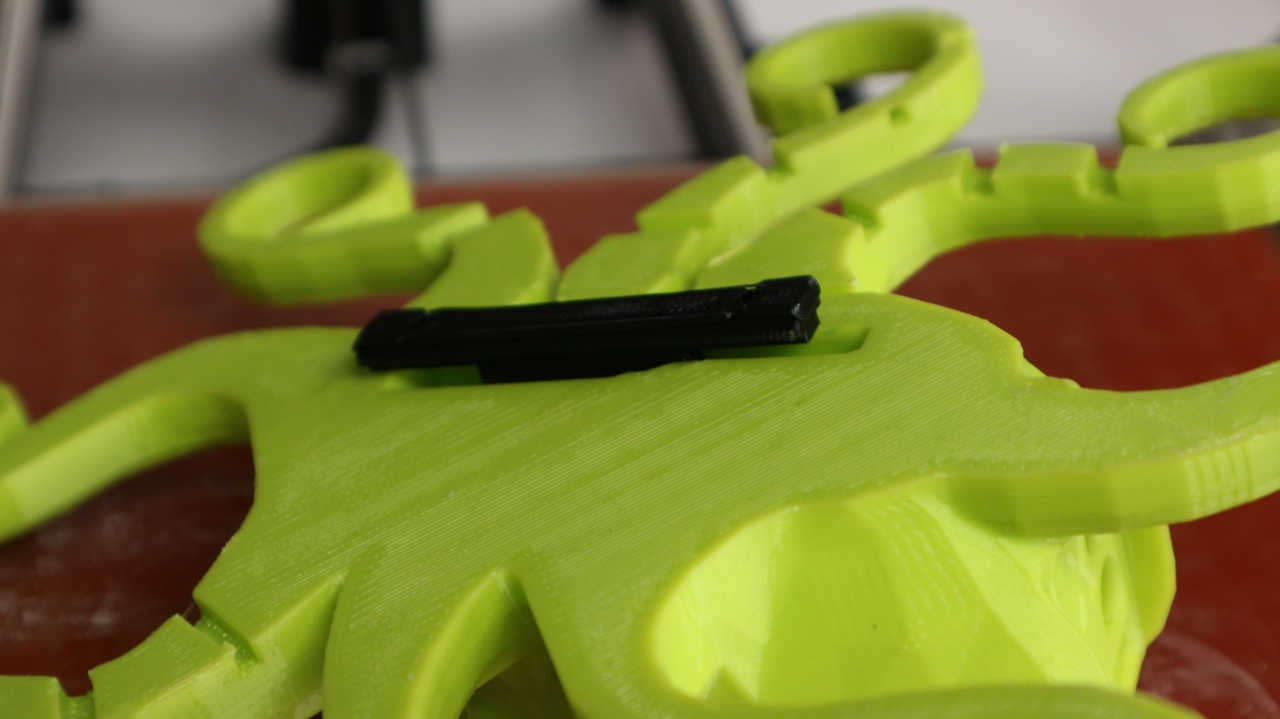
Firstly the 3D Printing for Dummies book has now been issued as a revised and updated Second Edition, I was surprised to receive the author copies as I was not expecting it to be published until mid-late summer.

But here it is, and thank you to everyone who contributed to it's updates and revisions. Also a big thank you to my co-author Kirk and the great team at Wiley for making this update happen.

Some really great projects, printers and material updates have been added to the book, along with a lot of updated topic's and sectors where 3D printing is growing.

I can only find a USA link for the new version, but worldwide stocks should be available soon if you wish to buy a copy. And if you do, thank you.

I go over a lot of updates in the video below, and here is also a quick-jump index if there is something specific you want to hear about -
Quick jump index -
00:50 - 3D Printing for Dummies (2nd Edition)
02:10 - The Olsson RUBY Nozzle
02:26 - The Sorceress - printed with the Ruby
02:40 - Pongo PLA - interesting translucent white
03:20 - PEI Print bet 3M sheet from AndOrNot
03:50 - Fuel3D Scanner is no longer for sale :(
05:15 - Polymaker Polysher & Polysmooth Kickstarter
06:08 - Glitter machine...
08:27 - Sigma R17 Noodle catcher upgrade
09:25 - Learning SharkCAD3D V10
10:00 - 100% Recycled Filament by ReFlow
You can also find this and more on my YouTube channel in HD over here
Olsson Ruby nozzle -
I was very excited to receive an Olsson Ruby nozzle for testing, this is an upgrade I have been fascinated about for some time. I'll be doing a lot more testing, but the initial results are very smooth and it's printing really well on the Prusa i3 MK2.

The construction is quite simple, but exceptionally engineered. This has a real ruby embedded inside the tip of the hot-end with a 0.4mm nozzle hole.

The back is plugged and then drilled out to allow a 1.75mm or 2.85mm filament path.

They are E3D and Ultimaker Olsson block compatible.

It's easy to fit - as always, be careful with fitting, and I would certainly advise to lock the heater block and thermal break down on to the nozzle, rather than trying to screw the nozzle tight into the heater block directly.
When fitting any E3D nozzle I always leave a small gap with the nozzle because for the E3D V6 the stainless steel thermal break is designed to lock flat to the nozzle, not for the nozzle to seal against the heater block.

The finished print quality looks like you would expect from a 0.15mm layer height. But I will do a lot more testing with the Ruby nozzle - especially with filled and composite filaments.

Many thanks to Pongo for the 'water clear PLA' filament sample. We had a discussion over on Twitter about this material - I'm looking for translucent white (not clear, but also not opaque) filaments to use as Optical LED light guides. This looks very promising, I'll update you on the results.

Andrew from AndOrNot sent me over a new sample (Test) bed material (3M sticky-backed PEI Sheer) - It's going to be fitted to the Sigma R17 glass bed so I can print PETG without damaging the glass build surface.
Polymaker Polysher (Kickstarter)
I'll have a dedicated post all about the Polysher and Polysmooth materials, I have done a lot with the machine and am impressed with the results, here is a quick overview example below -

The Polysher and Polysmooth materials are now becoming available around the world. For an overview and feedback from early users, do take a look at the Kickstarter here.

Don't print at these high (210 - 230) temperatures! - Really it's way too high - I'm printing around 190 for 55mm/sec print speeds and that produces great results without micro-bubbles or angel-hair.

I'll talk more about temperature and print settings for Polysmooth in the next blog post and video, but do take a look at the simple temperature test above - and as it's a constant speed spirial vase, no retractions or pauses were experienced, so it's a good test for material temperature stability.

Before (Top) and After smoothing (Bottom) - This was a 'draft mode ' print made quickly at 0.2mm layers - it's quite small and detailed, but the Polysmooth helped make it a really great finish.
Voronoi D Tower
Voronoi D Tower
Math Art by Dizingof

Testing out the transparent Polysmooth - Above shows both Clear and white - they both become flat smooth, but the internal layer lines remain for the clear material, the surface feels smooth for both.

Another example above - white, natural and clear, smoothed in IPA for around 35 minutes. Make sure you watch out for fluff and dust because it'll stick and bond into the surface finish (see lower left above).
Above model - https://www.thingiverse.com/thing:11687
Designed by Mark Durbin (MakeALot)
For Sigma R17 and TAZ6 updates, do check out the video above. I'll have a lot more on these machines, projects and developments over the summer.
SharkCAD3D V10 -
I have also been learning a new 3D CAD package (SharkCAD 3D V10) From Punchcad )

So far I'm really impressed with this package, It's amazingly powerful and has a lot of great 3D printing features for both design and model processing. I'll be posting a lot more about this package as I learn how to use it over the following months (and years) - This is going to be my new CAD software for all existing and future developments from this point on.
If anyone is interested in me posting some training video's or anything specific about this software, and it's capabilities, do let me know. It'll help me learn, and after doing a lot of screen-casting last summer I would like to do more.
Punchcad also have ViaCAD 2D/3D and many other SharkCAD packages at very low to high price points, so something for every maker or 3D design professional. I would encourage you to check them out, if for no other reason than the fact I accidentally stumbled over them, and was amazed I didn't already know they existed.
It's still early days for me learning the tools and user interface, but I'm quite sure you will be pleasantly surprised if you decide to try out the trial software or buy a version (Mac and PC available).
Quad Extruder printing? -
I also hope to receive my Quad extruder upgrade for the Prusa i3 MK2 at some point in the next month. The Prusa team have quite a big backlog of orders and I didn't place my order until October, so the September shipments are going out first. I'll keep you updated on the progress with that, but I'm excited to get hold of it and experiment with multi-materials and colours.
ReForm Recycled filaments -
And just as I was editing this video and blog post, I received some really nice 100% fully recycled 3D Printing filaments - You can find out more here - > ReForm by Formfutura

Cardboard spools, 100% recycled rPET, rPLA and rTitan materials. It's exactly what I have been asking suppliers to make for many years now.
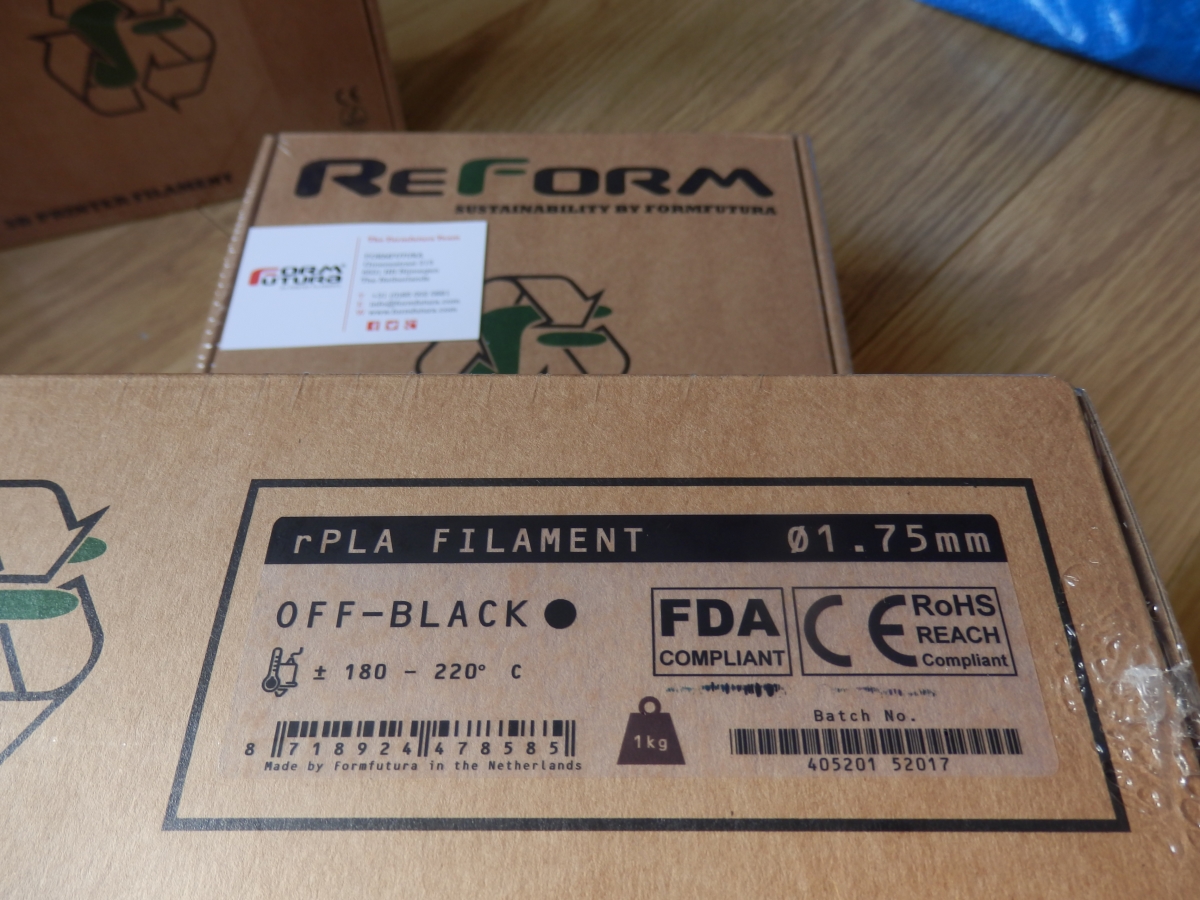
I'm really impressed that Formfutura have managed to manufacture these materials, I hope they print well and I also hope more manufacturers will also think about sustainable materials and packaging for 3D printing filament consumables.

I'll let you know very soon how I get on with these materials, spools and how they perform in various 3D printers.
I hope that was a useful update, lots more to come from me this summer - do comment and please subscribe to my YouTube channel for more 3D printing adventures soon.
Thanks for reading and watching.
Rich.
Please join me on Twitter @RichRap3D - https://twitter.com/RichRap3D
Files and designs shared on YouMagine - https://www.youmagine.com/users/richrap
Files and designs shared on GitHub – https://github.com/RichRap
Files and designs shared on Repables - http://repables.com/u/richrap/
My Youtube channel is here, all 3D Printing and Hi-Def video content.